

Creating high-quality product photos is essential for any brand or online store. A well-executed studio setup can transform even a simple product into a compelling visual that attracts buyers. In this guide, we explain step by step how to arrange your product photoshoot camera setup, select the right gear, and achieve a professional product shoot from start to finish.
Why a Professional Product Shoot Matters
Whether you run an online store, manage a brand, or promote products on social media, visuals are the first impression potential customers get. Clear, well-lit, and properly composed product photos build trust and encourage purchases. A professional product shoot is not about expensive gear alone it is about combining the right studio setup, lighting, and camera settings to achieve consistent results.
Studio Setup for Product Photography
Before you even turn on the camera, the studio environment plays a key role in the outcome of your photoshoot.
Choosing the Right Background
A seamless white or neutral background is often the best choice for product photography because it highlights the subject without distractions. For e-commerce platforms such as Amazon or Shopify, a white background is usually mandatory. However, if you are shooting lifestyle images, textured surfaces like wood or stone can add depth and realism.
Organising the Space
- Keep the studio clutter-free to maintain focus on the product.
- Use a sturdy table or platform for smaller items.
- Ensure that your backdrop is evenly lit to avoid shadows or uneven tones.
A well-prepared studio setup helps you save editing time later and ensures every product photo looks clean and professional.
Product Photoshoot Camera Setup
Now that the studio is ready, the next step is configuring your camera. The correct product photoshoot camera setup determines the sharpness, detail, and overall appeal of your final images.
Recommended Cameras for Product Photography
While almost any camera can capture decent images, professional results require cameras with good sensors, interchangeable lenses, and manual controls. Two excellent options are:
Canon EOS Rebel SL3 / EOS 250D

- 24.1MP APS-C sensor
- 4K video recording
- Vari-angle touchscreen
- Beginner-friendly guided interface
Affiliate Link: Canon EOS Rebel SL3 Digital SLR Camera
Nikon is, however, a bit more technical in design. That said, Nikons have massive power and control once the initial learning curve has passed.
Nikon D3500
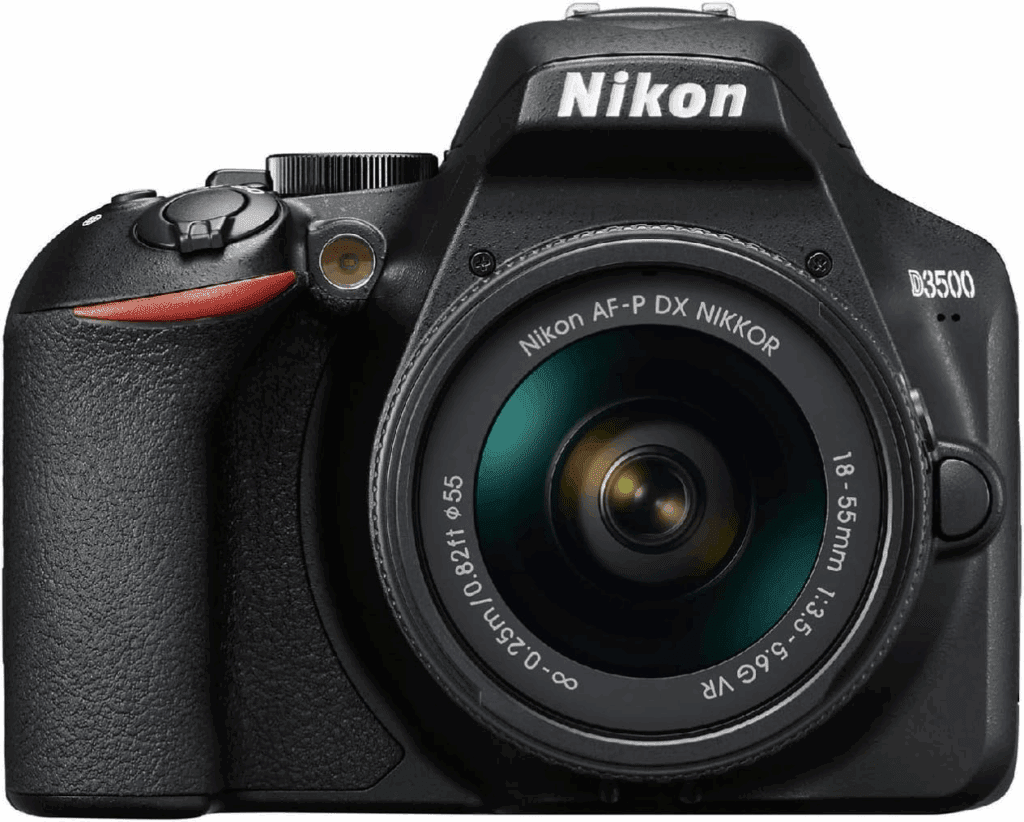
- 24.2MP APS-C sensor
- Excellent image quality
- Long battery life
- Simple Guide Mode for beginners
Affiliate Link: Nikon D3500 24.2MP DSLR Camera + AF-P DX 18-55mm VR NIKKOR Lens Kit + TRD ® 20 Piece Digital Essential Kit
Best Lenses for Product Photography
- 50mm prime lens: A popular choice for crisp, distortion-free shots.
- 100mm macro lens: Essential for capturing tiny details in products like watches or cosmetics.
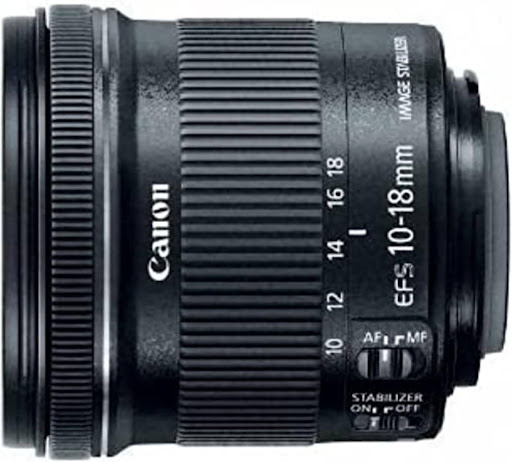
Best Option: Panoramic lens
Canon EF-S 10-18mm f4.5-5.6 STM lens is cheap and lightweight, and good to take on the go or for vlogging projects.
Affiliate Link: The Canon RF 85mm f/2 Macro IS STM
2. Aperture
The aperture, as noted (f/2.8, f/4, etc.), determines how much light your lens can receive.
- Wide Aperture (f/1.2, f/2.8)— Nice in dark situations as well; decent background blur (bokeh), too.
- Small aperture (f/8-f/16). A small aperture allows you to incorporate more of your scene to be in focus.
Recommendation: Low Light Portrait Lens
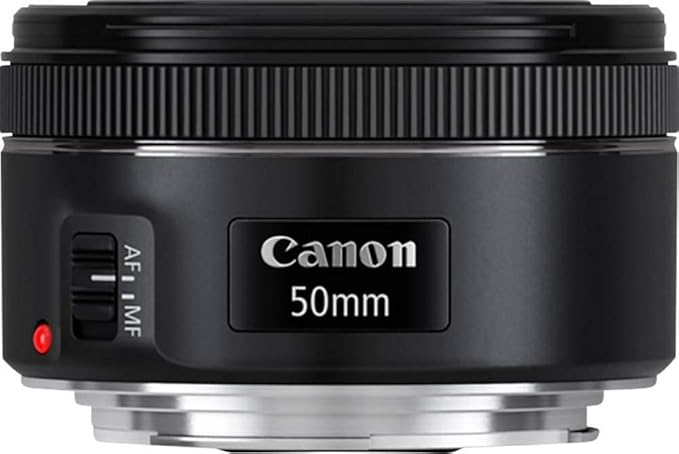
Canon EF 50mm f/1.8 STM Lens – It is amazingly cheap, fast, and sharp and is the so-called nifty fifty.
Affiliate Link: Canon EF 50mm f/1.8 STM Lens
Camera Settings for a Professional Product Shoot
- Aperture: Use f/8 to f/11 for maximum sharpness.
- ISO: Keep it at 100–200 to avoid grain.
- Shutter Speed: Adjust according to your lighting, but since you’ll be using a tripod, slower speeds are fine.
- White Balance: Match the lighting conditions in your studio. For consistent results, use a grey card.
Always shoot in RAW format to preserve image details and allow for better editing.
Lighting Setup for Product Photography
Lighting is as important as the camera itself. Without proper lighting, even the best product photoshoot camera setup cannot deliver professional results.
Choosing the Right Lights
For beginners and professionals alike, continuous LED lights are ideal because they allow you to see how the light interacts with the product in real-time.
One excellent option is:
Neewer 660 LED Video Light – This versatile light offers adjustable brightness and colour temperature, making it a reliable choice for various product types.
Light Positioning
- Single Light Setup: Place one light at a 45-degree angle to your product to create soft shadows and depth.
- Two Light Setup: Use one as the main light and the second as a fill light to reduce harsh shadows.
- Light Diffusion: Always use softboxes, umbrellas, or diffusion panels to soften the light and avoid harsh reflections.
Essential Accessories for Product Photography
- Tripod: Prevents camera shake and ensures consistency across multiple shots.
- Reflectors: Bounce light back onto the product to eliminate shadows.
- Remote Shutter Release: Allows you to take photos without touching the camera, keeping images sharp.
These accessories complete your studio setup and help achieve a professional product shoot efficiently.
Composing Product Shots Like a Professional
Good composition enhances the appeal of your product. Here are some tips:
- Use the Rule of Thirds – Position the product off-centre for a more dynamic image.
- Shoot Multiple Angles – Capture front, side, and detail shots to give customers a complete view.
- Focus on Details – Close-ups highlight textures, engravings, and other fine details that matter to buyers.
- Leave Space for Cropping – Especially useful when uploading to marketplaces that require specific aspect ratios.
Editing and Post-Processing
Even with the perfect studio setup, light adjustments, and camera configuration, editing remains essential. Post-processing allows you to correct colours, remove dust spots, and enhance clarity.
- Adobe Lightroom: Excellent for colour correction and batch editing.
- Photoshop: Perfect for advanced retouching, removing backgrounds, and enhancing textures.
- Capture One: Widely used by professionals for its colour accuracy and tethered shooting support.
Editing ensures consistency across your catalogue and maintains a professional brand image.
Building Consistency Across Product Photos
If your business involves shooting multiple products regularly, consistency is crucial. Customers expect uniform images when browsing a catalogue.
- Use the same lighting setup for every shoot.
- Record your camera settings and replicate them for future sessions.
- Standardise backgrounds and cropping ratios.
A professional product shoot is as much about repeatability as it is about creativity.
Final Thoughts
Mastering a product photoshoot camera setup requires attention to detail, the right equipment, and a structured workflow. A clean studio setup, reliable lighting, and the proper camera configuration make the process smoother and more efficient. By investing in quality gear such as the Canon EOS R10, Sony Alpha a7 III, and a versatile light like the Neewer 660 LED, you can elevate your product photography to a professional standard.
With practice and consistency, your product photos will not only look visually appealing but also drive customer confidence and increase sales.